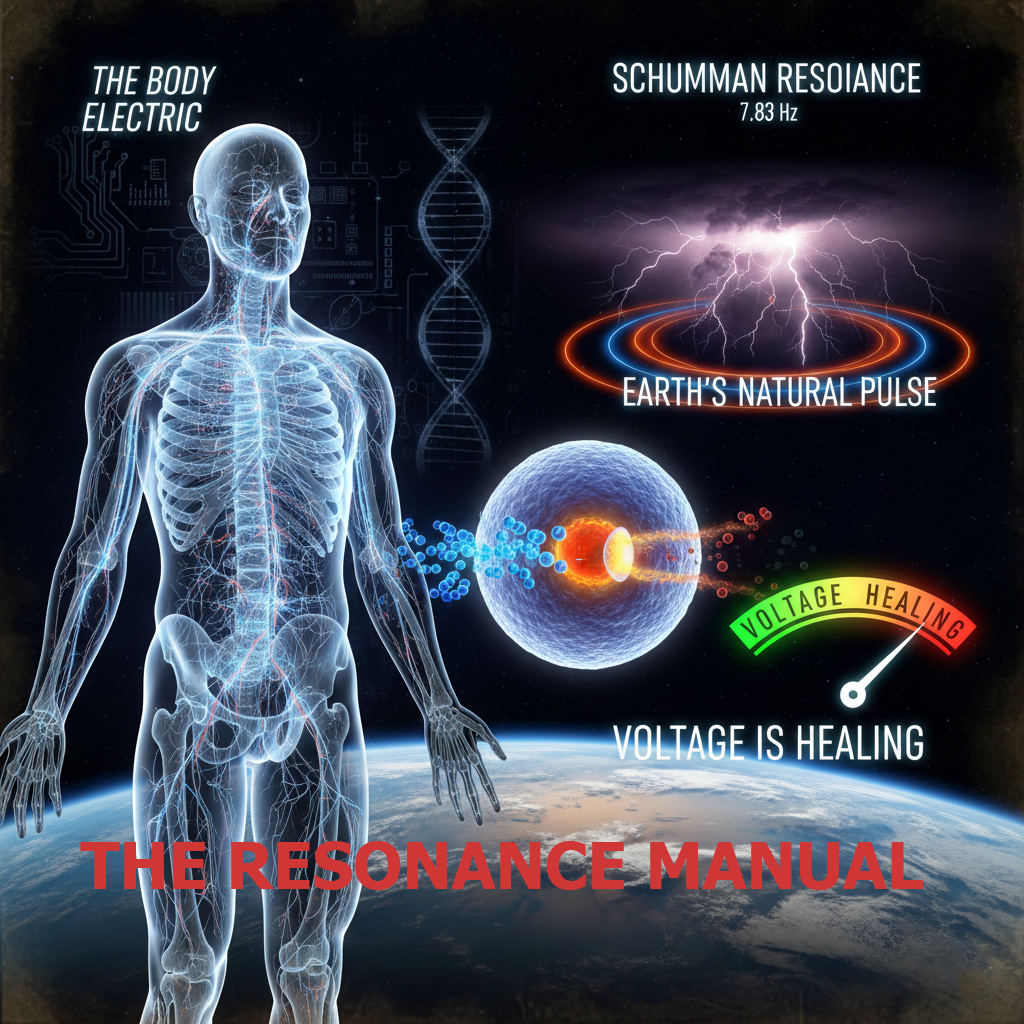
Hertzbox Installation and Setup
Precision-Engineered .WAV Architecture for Maximum Resonance
Why we banned MP3s from our laboratory:
How to Install the Hertzbox Pro App
No App Store Required. Pure Resonance in Two Taps.
The Hertzbox Pro Engine is a Progressive Web App (PWA). This means it runs on high-performance web architecture while living directly on your device for instant access. The same instructions apply to Hertzbox.com App.
For iPhone (iOS/Safari)
- Open Safari and navigate to app.frequencygeneratoronline.com.
- Tap the ‘Share’ icon (the square with an upward arrow at the bottom of the screen).
- Scroll down and tap ‘Add to Home Screen’.
- The Hertzbox Pro icon will now appear on your phone. Tap it to launch the app in full-screen mode.
For Android (Chrome)
- Open Chrome and navigate to app.frequencygeneratoronline.com.
- Tap the three dots in the top-right corner.
- Tap ‘Install App’ (or ‘Add to Home Screen’).
- Confirm by tapping ‘Install’. The app is now ready on your home screen.
Why the PWA is Better for You:
- Privacy: No third-party tracking from app stores.
- Instant Updates: Every time we add a new .WAV Soundscape, you get it instantly without having to manually update an app.
- Performance: The app uses your phone’s internal hardware (Web Audio API) for the 0.01 Hz precision, making it faster and more stable than traditional audio players.
The Hertzbox Hardware Protocol
Precision Signals Require Precision Delivery
To experience the full benefits of Lossless .WAV Bio-Resonance, your hardware must be capable of reproducing the “Transients” and “Phase Separation” generated by our engine. If your headphones “muddy” the sound, your brain cannot achieve 100% entrainment.
- The “Golden Rule”: Stereo Isolation
Binaural beats only work if the Left and Right frequencies are kept completely separate until they reach your brain.
- Avoid: Single speakers, soundbars, or “Mono” audio settings on your phone.
- Required: Headphones or Earbuds with clear Left/Right channel separation.
- Recommended: Open-Back Studio Monitors
For serious therapeutic sessions (especially for Parkinson’s/Gamma 40 Hz), we recommend Open-Back headphones.
- Why: Closed-back headphones trap air pressure against your eardrum, which can distort the delicate 0.01 Hz oscillation. Open-back headphones allow the “transients” of the .WAV file to breathe, providing the most natural and accurate signal delivery to the vestibulocochlear nerve.
- Example Brands: Sennheiser (HD series), Beyerdynamic, or AKG.
- Earbuds: The “Seal” Factor
If you prefer earbuds, ensure they have a high-quality silicone or foam seal.
- Why: Deep Delta (1.5 Hz) and Theta (4.5 Hz) frequencies rely on a solid bass response. If your earbuds are loose, you lose the “pressure wave” required for deep-brain entrainment.
- Note: Ensure “Spatial Audio” or “360 Reality Audio” is disabled in your settings, as these use AI to mix the channels, which breaks the binaural effect.
- The Bluetooth vs. Wired Debate
- Wired (Best): Provides zero-latency, zero-compression delivery of the .WAV signal.
- Bluetooth (Good): Use only if your device supports aptX HD or LDAC codecs. Standard Bluetooth “squashes” the audio to fit through the wireless pipe, which can degrade the precision of our 528 Hz or 111 Hz protocols.
The “Resonance Check” Procedure
Before every session, follow this 10-second check:
- Plug in your hardware.
- Open the Hertzbox Pro App.
- Tap the “L/R Check” in the settings.
- You should hear the tone only in the left ear, then only in the right. If you hear it in both simultaneously, your hardware or phone settings are in “Mono” mode and the therapy will not be effective.
Free “The Resonance Manual” with immediate download upon signup.